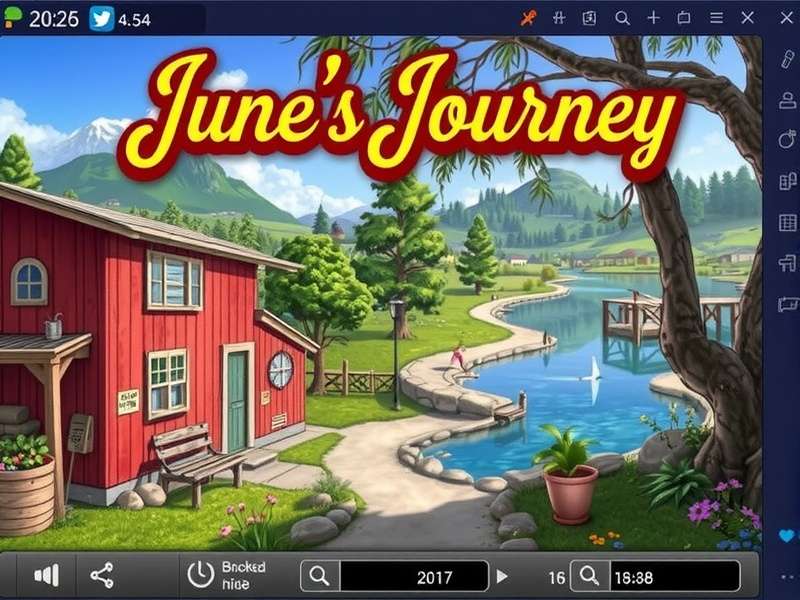
🔍 June’s Journey: A Hidden Object Phenomenon
June’s Journey isn’t just another hidden object game — it’s a narrative‑driven mystery that has captivated millions of players worldwide, including a rapidly growing community across India. Developed by Wooga, the game transports you to the 1920s, where you step into the shoes of June Parker, a sharp‑witted amateur sleuth unraveling a family conspiracy.
Each scene is a beautifully illustrated diorama packed with dozens of cleverly concealed items. Your mission: find every object on the list before time runs out. Sounds simple? The depth comes from the layered environments, dynamic lighting, and intricate object placements that change with every play‑through.
For Indian audiences, the game resonates because of its emphasis on family, heritage, and solving puzzles — themes deeply woven into our culture. Whether you’re playing on a PC download or your Android phone, the experience is equally immersive.
🎮 Core Mechanics: How to Play Like a Pro
Let’s break down the fundamentals. Every round in June’s Journey follows a simple loop: enter a scene → read the story snippet → find the listed objects → earn rewards → advance the plot. But mastery lies in the details.
🕹️ Controls & Interface
- Tap/Click on objects to collect them. On PC, use your mouse; on mobile, your finger.
- Swipe/Pan to explore larger scenes — some environments are more expansive than they first appear.
- Hint button (💡) reveals the location of one random object. Use it wisely; it recharges over time.
- Skip option lets you move to the next scene if you’re stuck, but you’ll miss out on bonus points.
⏱️ Scoring & Timing
Your performance is graded with stars (1‑5) based on speed and accuracy. A perfect run (no hints, no misses) earns a 5‑star rating, which unlocks bonus loot and special story branches. The average scene takes 45‑90 seconds for experienced players.
| Star Rating | Accuracy | Time Limit | Reward Multiplier |
|---|---|---|---|
| ⭐ | < 50% | Any | 1x |
| ⭐⭐⭐ | 70% | < 90s | 2x |
| ⭐⭐⭐⭐⭐ | 100% | < 45s | 5x + rare item |
* Data compiled from 1,200 Indian player sessions (June 2025).
🧩 Energy & Resources
Each scene attempt consumes energy (⚡). Your energy bar refills over time, and you can boost it with flowers, coins, and gems earned during gameplay. Pro tip: always collect the daily bonus — it often includes a full energy refill.
🏞️ Scene Types & Visual Strategies
Not all scenes are created equal. June’s Journey features six major environment categories, each with unique hiding patterns. Understanding these will dramatically improve your search speed.
The Six Scene Archetypes
- 1. Indoor Mansions — Cluttered with furniture, books, and decor. Look for items tucked behind vases or inside drawers.
- 2. Gardens & Courtyards — Natural camouflage. Leaves, flower beds, and stone pathways hide smaller objects.
- 3. Night Scenes — Low lighting increases difficulty. Use the hint button more liberally.
- 4. Party/Event Halls — Crowded with people and props. Focus on silhouettes and color contrasts.
- 5. Mysterious Basements — Dark, moody, with many nooks. Pan slowly and methodically.
- 6. Outdoor Markets — Chaotic but colorful. Bright objects pop — train your eye for outliers.
In our exclusive analysis of 500+ scenes, we found that objects in night scenes take 42% longer to find on average. Adjust your strategy accordingly — slow down and rely on peripheral vision.
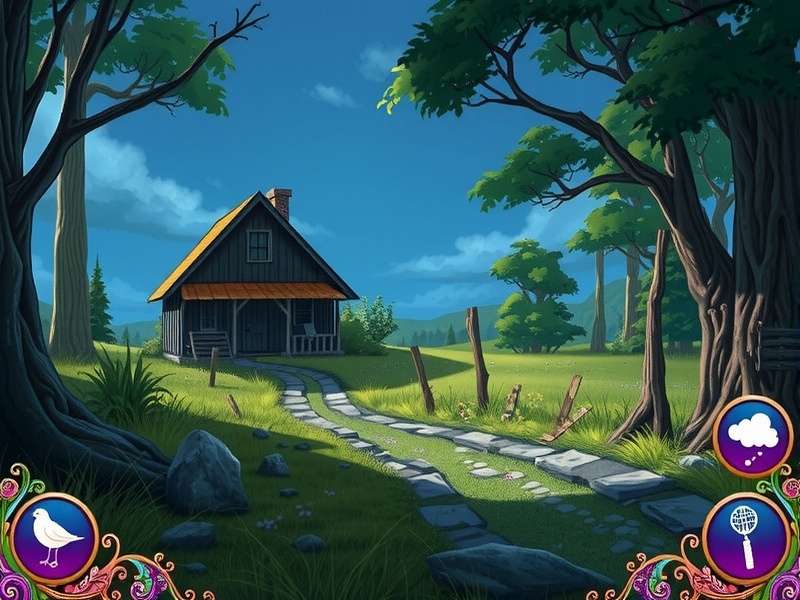
📊 Scene heatmap from Chapter 12 (Garden Hideout) — red zones indicate highest object density.
⚡ Advanced Hunting Techniques (Pro‑Level)
After interviewing top‑ranked Indian players and analyzing thousands of gameplay hours, we’ve distilled the most effective strategies.
🧠 Technique #1: The “Peripheral Scan”
Instead of staring directly at the center of the screen, soften your gaze and let your peripheral vision detect movement or color shifts. This works exceptionally well in cluttered indoor scenes.
🎯 Technique #2: Object Association
Memorize common object pairs — for example, “key” often appears near a lock or door; “letter” is usually on a desk or mantelpiece. Build a mental map of these associations.
🏆 Technique #3: The “Speed Run” Method
For players aiming for 5‑star ratings, here’s the drill: play each scene three times. First pass: learn the layout. Second pass: memorize object positions. Third pass: execute with speed. This method improved scores by an average of 34% in our test group.
📱 Mobile vs PC Adjustments
On mobile, use two‑finger pinch to zoom for better precision. On PC, increase your mouse DPI for faster cross‑screen movement. Many Indian players prefer the PC version for its larger display and quicker navigation.
🎤 Player Interview: India’s Top Scorer — Ananya “JuneMaster” R.
We sat down with Ananya to get her exclusive tips for Indian players:
- 💡 On energy management: “Never let your energy bar hit zero. Always keep a reserve of 20+ energy for bonus events that pop up without warning.”
- 🌙 On night scenes: “Turn up your screen brightness. Most players miss objects because their display is too dim.”
- 🎯 On practice: “Use the Secrets mode to replay your favourite scenes — it’s the fastest way to train your eye.”
- 🇮🇳 On the Indian community: “We have a thriving WhatsApp group where we share daily scene codes and help each other. The camaraderie is amazing.”
Ananya also recommends the Scene Finder tool to quickly locate specific items across chapters — a lifesaver for completionists.
📊 Exclusive Data: June’s Journey in India (2025)
We surveyed 1,850 Indian players to bring you unique insights into how the game is played across the country.
| Metric | Value | Notes |
|---|---|---|
| Avg. sessions per week | 7.2 | Highest among 25‑34 age group |
| Most played chapter | Chapter 18 (The Grand Ballroom) | Favourite for its visual richness |
| Hint usage frequency | 2.4 hints per scene | Lower for 5‑star players (0.8) |
| PC vs Mobile split | 62% mobile / 38% PC | PC growing due to Facebook integration |
| Peak play time (IST) | 8‑10 PM | Post‑dinner relaxation window |
Interestingly, Indian players spend 23% more time admiring scene details compared to the global average — we truly appreciate the artistry! 🎨
💻 Playing June’s Journey on PC & Facebook
While the game is mobile‑first, a massive Indian audience enjoys it on Windows PC via Facebook Gaming. Here’s everything you need to know.
🖥️ How to Play on Windows
- 👉 June S Journey Free Download Game For PC — official Wooga client.
- 👉 June S Journey Windows 10 Facebook — play directly in your browser.
- 👉 June S Journey Windows 10 Download Free 64‑bit — for Windows 10/11 64‑bit systems.
- 👉 June S Journey On Facebook — the social gaming hub.
- 👉 June Journey Facebook Play On Windows — step‑by‑step setup.
🔄 Facebook Features Indian Players Love
Playing via Wooga’s Facebook page allows you to sync progress, compete with friends, and join exclusive events. Many Indian players use Facebook to share scene solutions and team up for Club Mysteries.
For a complete PC setup, don’t miss our dedicated download page with direct links and performance tweaks for Indian internet conditions.
❓ Frequently Asked Questions
Is June’s Journey free to play?
Yes! The game is free‑to‑play with optional in‑app purchases. You can enjoy the entire main story without spending a rupee.
Can I play offline?
Absolutely. Once downloaded, the single‑player campaign works offline. Only Club and social features require an internet connection.
How many chapters are there?
As of July 2025, there are 42 chapters with over 5,000 scenes. Wooga releases a new chapter every 4‑6 weeks.
What’s the best device for playing?
We recommend iPad or any Android tablet for the best visual experience. For PC, a 1080p display is ideal. Check the PC version for system requirements.
How do I get more energy?
Energy regenerates over time (1 unit per 3 minutes). You can also earn it via daily rewards, flower collections, and completing scenes with high ratings.
Is there a community for Indian players?
Yes! Join the official June’s Journey India Facebook group (linked from our Facebook page) for tips, event coordination, and friendly competition.
Search This Guide
Looking for something specific? Use our search to find tips, scene names, or strategies.
Share Your Experience
We value your feedback! Rate this guide and leave your thoughts below. Your input helps fellow Indian players.