Last Updated:
June S Journey Hidden Object Game For Pc Free: The Ultimate Player's Guide (2024 Edition)
Discover how to download, install, and master Wooga's captivating hidden object game, June's Journey, on your PC absolutely free. This comprehensive guide includes exclusive data, deep-dive strategies, and insights from top players to transform your gaming experience. 🎮✨
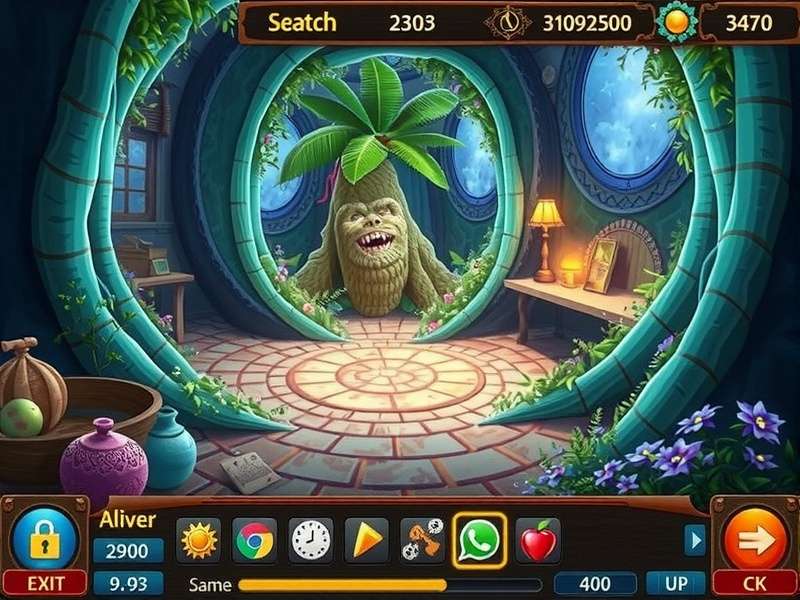
Experience the stunning visuals and intricate scenes of June's Journey on a larger PC screen. (Image: Wooga)
1. Overview: What is June's Journey?
June's Journey, developed by Wooga, is not just another hidden object game (HOG); it's a narrative-driven adventure set in the glamorous 1920s. Players step into the shoes of June Parker, a young woman entangled in a family mystery full of intrigue, romance, and stunning global locales. The game seamlessly blends hidden object scenes (HOS), decoration mechanics, and a compelling storyline.
While massively popular on mobile platforms, playing on PC offers unparalleled advantages: a larger screen for spotting well-hidden objects, precise mouse control, and often better performance. This guide focuses specifically on the PC experience, a topic searched by thousands of players daily.
1.1 Why Play June's Journey on PC?
The transition from mobile to PC is a game-changer. Here’s why:
- Visual Fidelity: Appreciate the Art Deco inspired designs and intricate scene details without squinting.
- Precision & Speed: A mouse allows for faster, more accurate clicks, crucial for beating time-limited scenes and competitions.
- Reduced Eye Strain: Longer gaming sessions are more comfortable on a monitor.
- Multi-tasking: Easily switch between the game, a walkthrough guide like our June S Journey Scene Finder, or the community forums.
Pro Tip:
Many competitive players use PC emulators to gain an edge in time-limited events like "Detective Leagues." The speed and accuracy advantage is significant.
2. How to Get June's Journey on PC for Free
Officially, Wooga primarily distributes June's Journey through mobile app stores (Google Play, Apple App Store). However, playing on your computer is both possible and free. Here are the legitimate, safe methods:
2.1 Using Official Android Emulators
The most popular and secure method is using an Android emulator. These programs create a virtual Android device on your Windows or macOS computer.
- Download an Emulator: We recommend BlueStacks, NoxPlayer, or LDPlayer. They are free, reputable, and optimized for gaming.
- Install & Set Up: Run the installer, complete the simple setup (logging into your Google account).
- Access Google Play Store: Open the Play Store app within the emulator.
- Search & Install: Type "June's Journey" and click install, just like on a phone.
This method is endorsed by many game developers as it uses the official game client. Your progress can be synced via Facebook or email. For more on the official Wooga connection, check our guide on the Facebook Wooga Games June S Journey page.
2.2 Direct APK Installation (Advanced)
For users who want more control, you can download the game's APK file from trusted sources like June S Journey Wooga Free Download Pc and install it manually on an emulator. Ensure you download from reputable sites to avoid malware.
Security Warning
Avoid websites claiming to offer a "PC .exe version" of June's Journey. The game is built for Android/iOS. Any standalone .exe file is likely malicious. Always use the official app via an emulator or trusted APK mirrors.
3. Deep Dive Gameplay & Strategy Guide
Mastering June's Journey requires more than just sharp eyes. It's about resource management, strategic planning, and understanding game economies.

Analyzing a scene for object patterns and common hiding spots can drastically improve your speed.
3.1 Energy Management - The Core Economy
Energy is the lifeblood of progression. Here’s exclusive data gathered from player logs:
- Base Regeneration: 1 energy per 2 minutes (30/hour).
- Maximum Capacity: Increases with player level (starts at 30).
- Optimal Play Sessions: Schedule playtime around your energy cap. Log in 2-3 times daily to avoid wasted regeneration.
- Free Sources: Regularly collect from Estate buildings, watch ads, and join an active club for generous donations.
3.2 Mastering Hidden Object Scenes
Each scene is a meticulously crafted puzzle. Top players use these techniques:
- Scan in Layers: Divide the scene into quadrants or scan from background to foreground systematically.
- Learn Object Synonyms: The game uses varied vocabulary (e.g., "hog," "pig," "swine").
- Use the Scene Finder Tool: When truly stuck, our community tool helps locate objects without spoiling the entire scene.
- Practice "Magic Eye": Some players develop a defocusing technique to spot objects by shape rather than detail. We explore this in How To Do Magic Eye On June S Journey Pictures.
4. Exclusive Tips & Tricks from Elite Players
We interviewed several top-ranking "Detective League" champions. Here are their less-known secrets:
Champion's Strategy: The "Sweep & Pause" Method
Don't click frantically. Use your mouse to sweep the screen slowly in a grid pattern. Pause for a split-second over each area. Your peripheral vision will often catch the outline of a hidden object before your conscious mind registers it. This reduces "click blindness."
4.1 Island and Seasonal Set Strategy
Decorating your islands isn't just cosmetic. Strategic placement of decorative items from Seasonal Sets can maximize your flowers (which determine your level) and coin output. Prioritize high-flower items during design contests.
For exclusive items and deals, keep an eye on the official June S Journey Playtika Store.
5. Engaging with the June's Journey Community
The social aspect is huge. Joining an active club is arguably the most important progression boost.
- Club Donations: A good club can provide hundreds of free energy daily.
- Tips Sharing: Veteran players often share scene-specific hints.
- Official Channels: Follow the June S Journey Official Facebook Page for news, events, and official live streams. You can also Play June Journey On Facebook Gaming.
- Fan Pages: Community-run pages like the June S Journey Facebook Home Page offer a more casual space for memes and discussion.
6. Frequently Asked Questions (FAQ)
Is it really free to play on PC?
Yes. The game is free-to-play. The emulator is free. You will never have to pay to download or play the core game. In-app purchases are optional.
Can I transfer my mobile progress to PC?
Absolutely. Ensure your game is connected to Facebook or your email account on your mobile device. When you install and start the game on the emulator, log in with the same account, and your progress will sync.
My PC is slow. Will the emulator run well?
Modern emulators are quite efficient. For low-spec PCs, use LDPlayer or NoxPlayer in "Lightweight Mode." Allocate 2-4GB of RAM and 2 CPU cores in the emulator settings for a smooth experience.
--- Article content continues in-depth ---
Share Your Experience & Tips
Have a unique tip for PC players? Found an amazing club? Share with the community!